Quick Answer
A free estimating app can work well for small excavation jobs if you pick the right kind of tool. For field quoting, mobile apps are faster. For measured takeoffs, plan-based tools matter more. For clean approvals and billing, invoice-first apps are often enough. The best choice depends on whether you’re pricing from plans, from site photos, or from a quick walk-through.
You’re probably trying to price work without dragging a laptop back to the truck, rebuilding the same quote three times, or missing something that eats your margin later. That’s where a good free estimating app helps, but only if you’re honest about what kind of work you do.
For excavation, site prep, drainage, trenching, and utility work, I’d separate tools into two groups. One group helps you measure and scope the job. The other helps you turn that scope into a professional quote a customer can approve. If you want a broader look at estimating and takeoff software, that category is worth browsing, but the list below stays focused on tools that are practical for real jobs in places like Sonoma County and the California Central Coast.
1. Zoho Invoice
Zoho Invoice is a good fit when your main problem isn’t measuring the job. It’s presenting the estimate cleanly, getting approval, and turning it into an invoice without retyping everything.
For excavation contractors, that matters more than people think. A lot of residential jobs are sold on clarity. If the owner can see mobilization, excavation, grading, spoils handling, drainage work, or utility trenching broken out clearly, the quote feels more credible.
Where Zoho Invoice works well
Zoho Invoice handles formal estimates well. You can customize estimate documents, send them for approval, attach supporting files, and move accepted estimates into invoices.
That makes it useful for smaller site jobs where the scope is already known from a site visit, engineer notes, or a marked-up plan. If you’re quoting work that also needs explanation, this pairs well with a clear scope write-up, especially on projects where owners are still learning what an excavation and engineering contractor actually does.
- Best for document polish: Clean client-facing estimates look more professional than a text message total or a spreadsheet printout.
- Best for approval flow: If you want a customer to review, accept, and move forward quickly, this is stronger than basic note apps.
- Less useful for takeoffs: It won’t replace plan measurement or quantity takeoff software.
Practical rule: If the hard part is selling the scope, not calculating the quantities, an invoice-first app can be enough.
The trade-off is setup. Zoho can feel more back-office than field-first, and small crews sometimes find the terminology a little stiff. Still, if you already know your production approach and just need a free estimating app that makes your quote look buttoned up, it’s a solid option.
2. Square Invoices
Square Invoices makes sense when you want estimating tied closely to payment. That’s a real advantage on small excavation jobs where a deposit, scheduling fee, or first-phase billing is part of the workflow.
A lot of contractors already know Square from card payments. If that’s already part of your business, sending estimates through the same system keeps things simple for both you and the customer.
Best use case for excavation work
Square works best for straightforward quotes. Think trenching, driveway prep, light grading, drainage corrections, or a defined repair scope where you’re not doing a full digital takeoff.
You can send the estimate, follow up, and convert it to an invoice once approved. That kind of continuity helps on jobs where customers need plain answers before they commit. It also lines up with the kind of concerns covered in the truth about excavation projects most contractors don't tell you, because people often want a simple quote and a clear path to payment.
- Good fit for fast approvals: Especially helpful when the customer wants to move quickly.
- Good fit if you already use Square: Fewer systems means fewer mistakes.
- Weak spot: It’s not built around takeoffs, assemblies, or excavation-specific production logic.
Square’s downside is that some automations sit outside the basic free setup. It’s also easy to confuse payment convenience with estimating accuracy. The app can send a polished estimate, but you still need to build the scope correctly.
3. Joist
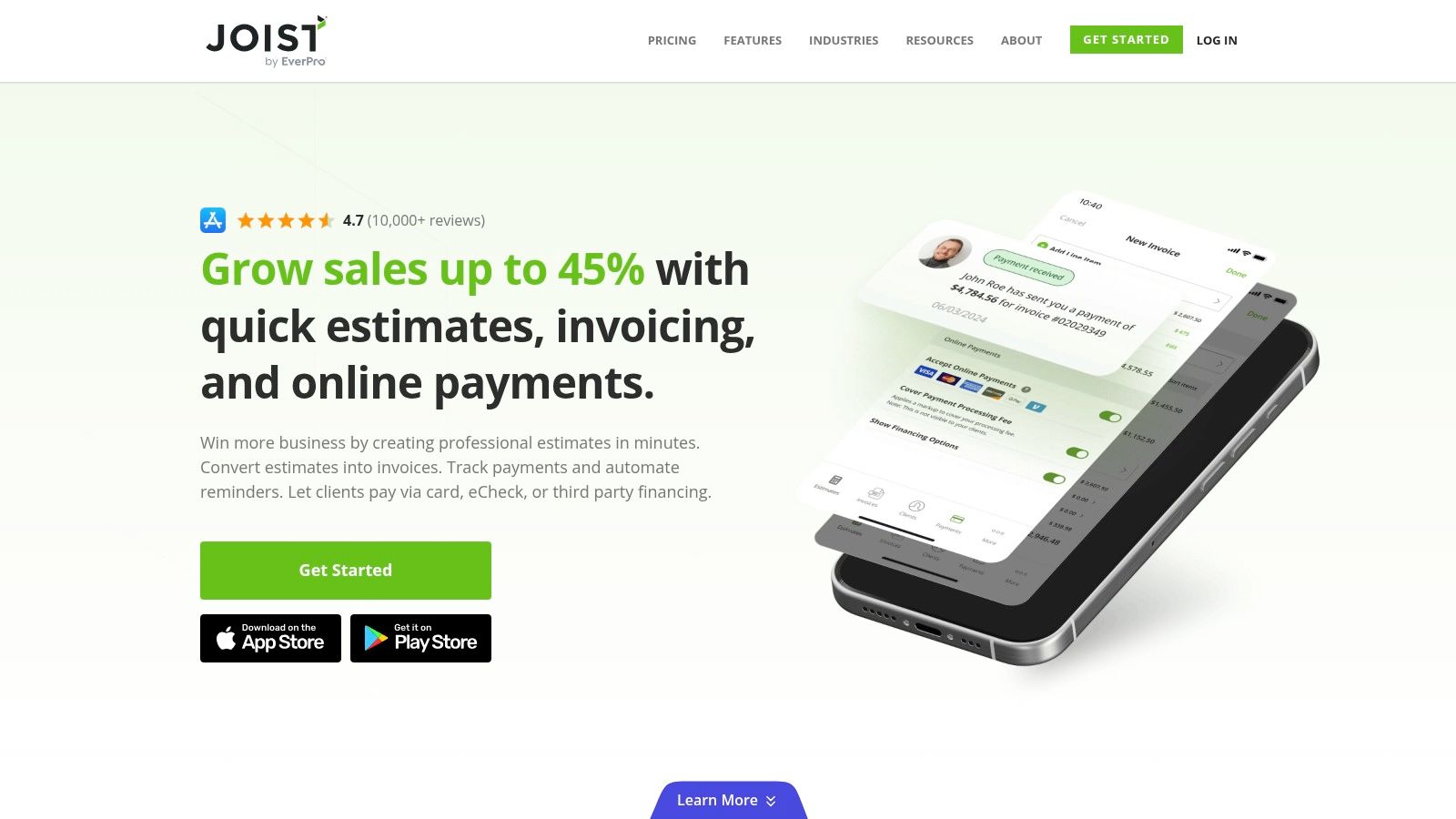
Joist is one of the better field-first options on this list. If you build quotes from the truck, at the site, or while walking a property with the owner, Joist feels more natural than the heavier office-style systems.
That’s where it earns its place. It’s built for trades, so it doesn’t take much time to understand.
Why Joist works in the field
Joist is fast for branded estimates, signatures, deposits, and attachments. You can put photos and documents right with the estimate, which helps when you need the customer to understand access issues, slope conditions, spoils export, or drainage corrections.
For homeowners trying to get approvals moving, it also helps to understand the planning side early. That’s where a page like how to get a site plan approved faster supports the estimate conversation well.
PayPal or Square payment processor comparisons can also help if you’re deciding how to collect deposits after approval.
A field estimate has to do two things well. Price the work and remove confusion.
Joist’s strength is speed. Its weakness is depth. If you need serious job costing, plan takeoff, or detailed quantity logic, you’ll hit its limits faster than you will with more specialized construction tools.
It’s still a very practical free estimating app for excavation contractors who win work from responsiveness. If you can inspect, explain, and send a clean estimate before leaving the site, you’re in a better position than the contractor who says, “I’ll get something over next week.”
4. Contractor+
Contractor+ sits in the middle ground between a simple quote app and a light operations system. That’s useful for small excavation teams that don’t just need to send numbers. They also need to keep track of customers, job status, and basic workflow.
Its free plan is more generous than a lot of contractor apps, which is why it gets attention.
Where Contractor+ makes sense
If you’re handling recurring estimate types, templates help. That might be rough grading, utility trenching, driveway base prep, erosion control repairs, or smaller demolition and rehab work where the scope repeats with some changes.
The app also pairs well with crews that are learning to read plans more consistently. If that’s still a weak spot, learning how to read blueprints will do more for estimate accuracy than switching apps every month.
- Useful for repeat work: Templates cut down on rebuilding common scopes.
- Useful for customer tracking: Better than keeping estimates buried in text threads and email chains.
- Less useful for complex takeoffs: This still isn’t the same as plan-based measurement software.
Contractor+ is good when you want a little structure without buying into a full construction platform. The trade-off is that the deeper you go into collaboration or heavier management features, the more likely you are to run into free-tier limits. For a solo operator or small crew, though, it can cover a lot of ground.
5. Invoice Ninja
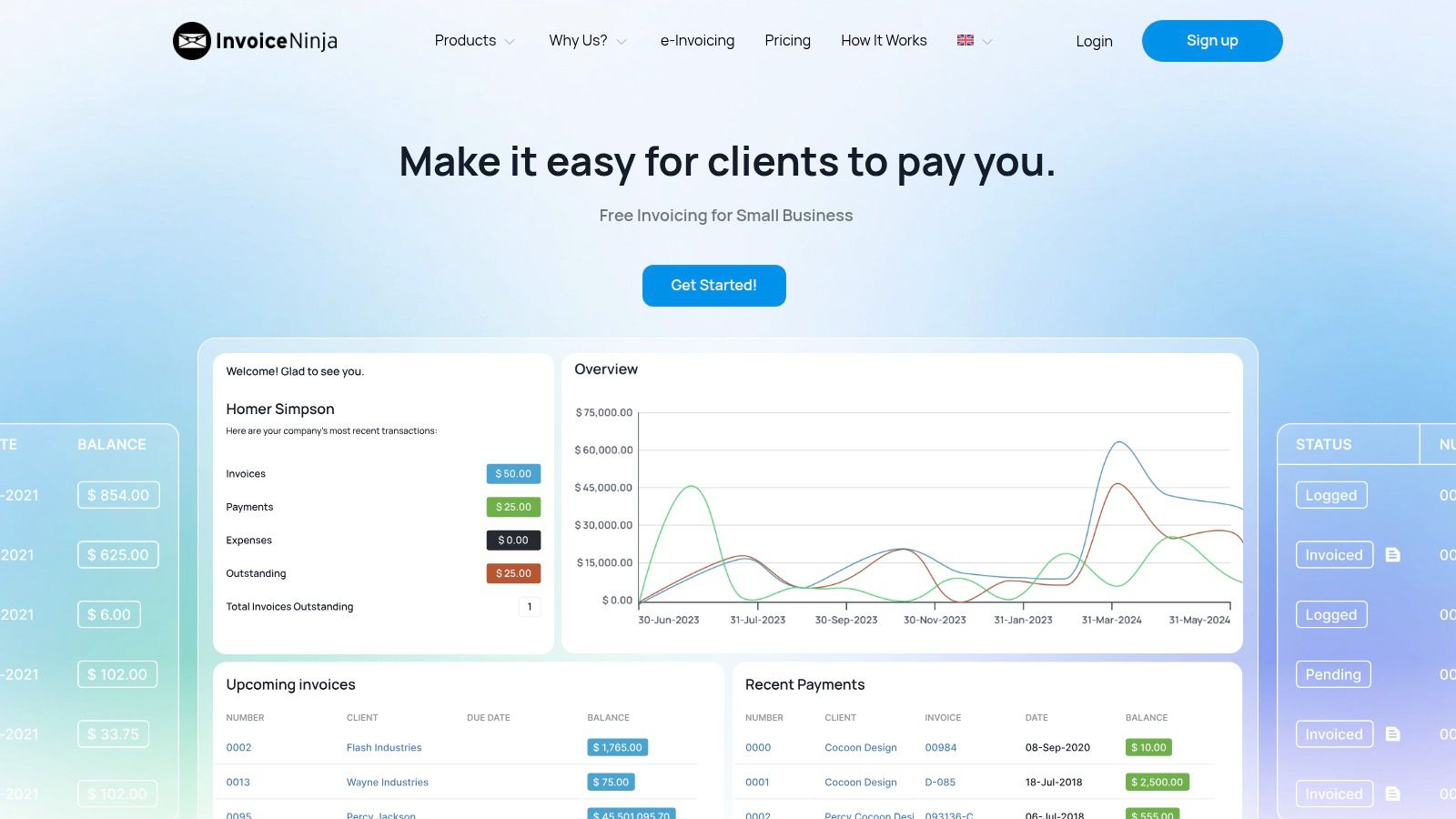
Invoice Ninja is the pick for contractors who care about control. It’s more flexible than some of the polished consumer-facing invoicing tools, and that flexibility matters if you’re particular about templates, client workflow, or where your data lives.
For some users, especially more technical small businesses, the self-host option is part of the appeal. For others, that’s just extra complexity.
Best for contractors who want more control
Invoice Ninja handles quotes, invoices, client portal functions, and conversion from estimate to billing. If you want to build a process around accepted proposals and repeat clients, it can do that well.
It’s not the app I’d hand to someone who hates back-office setup. But for contractors who already document jobs carefully, it can be a strong system. That attention to detail matters on projects where owners are weighing scope changes or comparing bids, especially on foundation-related work where people often ask whether they should trust one contractor or get a second opinion on a foundation.
Some free apps feel quick on day one and messy by month three. Invoice Ninja is almost the opposite.
That’s the trade-off in plain terms. It’s more back-office focused than field-first tools, and it won’t help you measure a job. But if you want a free estimating app with room to build a more disciplined system around proposals and billing, it’s worth a serious look.
6. Wave
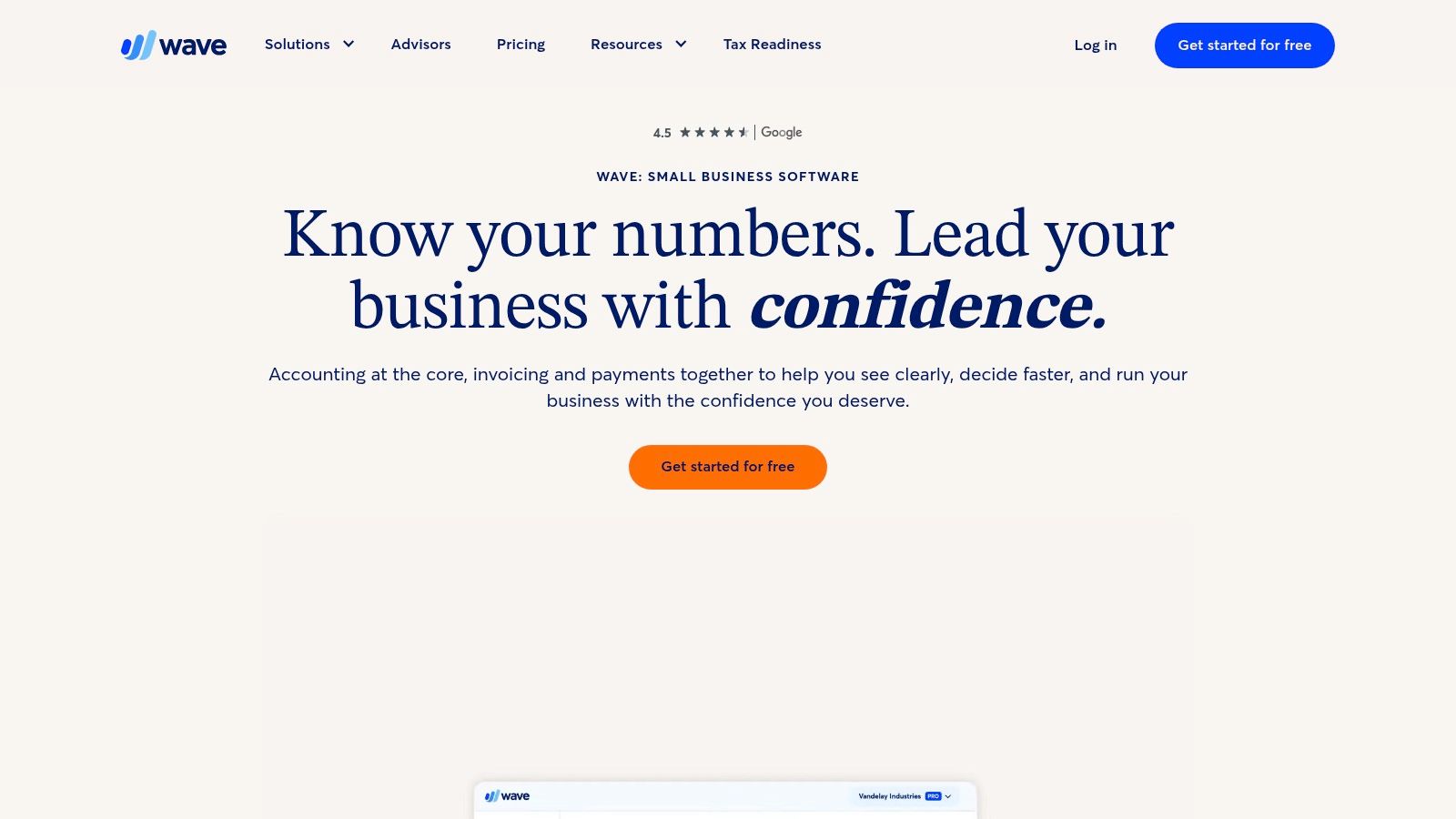
Wave is simple, and that’s the reason to use it. If you’re a solo operator or a very small crew, a free estimating app doesn’t need to act like a full construction suite. It needs to send a clean estimate and keep the paperwork manageable.
Wave handles that side of the job better than it handles construction workflow.
When Wave is enough
Wave works for basic estimates that later become invoices. If your estimating method happens outside the app, maybe from a site visit, handwritten field notes, or a spreadsheet you trust, Wave can serve as the final client-facing document.
That’s enough for some kinds of excavation work. Smaller repair scopes, cleanup work, limited trenching, and straightforward prep jobs don’t always need a dedicated trade app.
- Good for simple office needs: Estimates, invoices, customer records, and light reporting in one place.
- Good for solo contractors: Setup is usually easier than heavier platforms.
- Not built for excavation logic: No takeoff tools, no production tracking, no excavation-specific assemblies.
Wave starts to break down when the estimate needs more technical support. If the job depends on plan quantities, changing soil conditions, permit-related notes, or multiple phases, you’ll likely end up using another system to build the actual number and Wave only to present it.
7. Kickserv
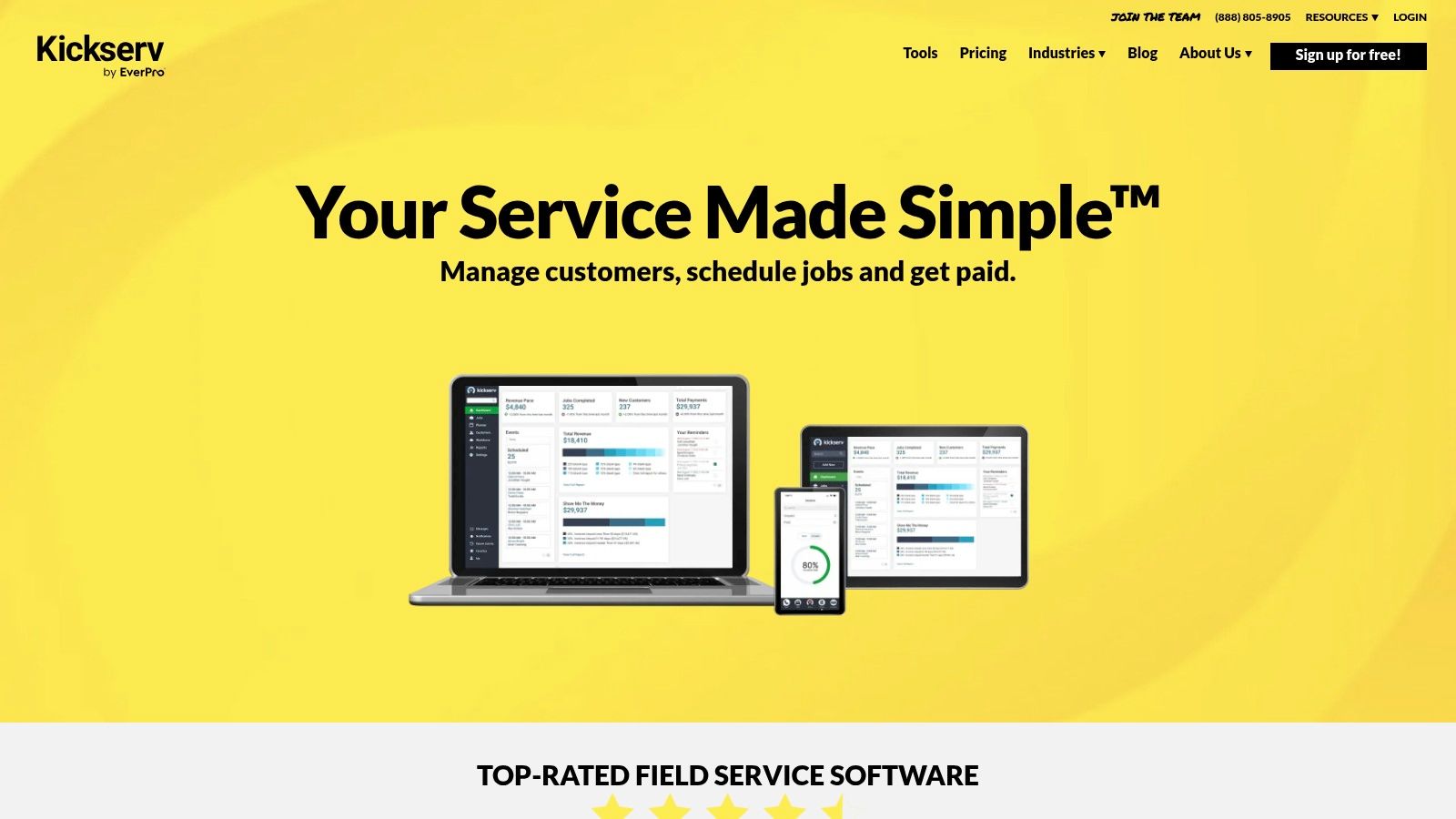
Kickserv leans more toward field service management than pure estimating. That makes it more useful for service-style excavation work than for plan-heavy bid work.
If your business includes repair calls, smaller utility issues, drainage corrections, or recurring service-related work, Kickserv is easier to justify. If you mostly bid engineered site development from plans, it’s less compelling.
Where Kickserv fits
Kickserv combines estimates with scheduling, customer records, and invoicing. That’s useful if the estimate is part of a dispatch-style workflow where the crew also needs calendar visibility and job status tracking.
For excavation contractors, that can work well on:
- Drainage problem calls: Jobs where the estimate follows an inspection and quick scheduling.
- Utility repair work: Especially if the customer wants approval and a service date close together.
- Smaller follow-up jobs: Repairs and return visits that don’t need full plan takeoff.
The catch is that its free setup is tied closely to its payment flow. That can be fine for some businesses and annoying for others. Also, while it helps manage jobs, it still doesn’t solve the deeper estimating problem on technical excavation scopes.
Kickserv is practical when the work behaves more like service contracting than hard bid estimating.
8. PayPal Invoicing
PayPal Invoicing is for contractors who want the shortest path from estimate to payment. If a homeowner is already comfortable with PayPal, that familiarity helps reduce friction.
That said, PayPal is a payment-first system, not a contractor estimating system. That distinction matters.
Good for deposits and simple approvals
PayPal lets you build estimates and convert them into invoices. For basic excavation quotes, that’s often enough to collect a deposit and get the schedule moving.
This works best when the scope is simple and clearly written. It’s much less helpful when the job needs plan references, alternate pricing, or detailed quantity backup.
Keep your estimate language plain. Payment apps don't fix vague scopes.
Another issue is customer trust. Estimate and invoice messages always need to look legitimate and be easy to verify. That means your company name, scope wording, and contact information should be consistent across the estimate, your website, and your email communication.
For a free estimating app, PayPal is convenient. For excavation estimating as a craft, it’s still just the delivery vehicle.
9. Invoicely
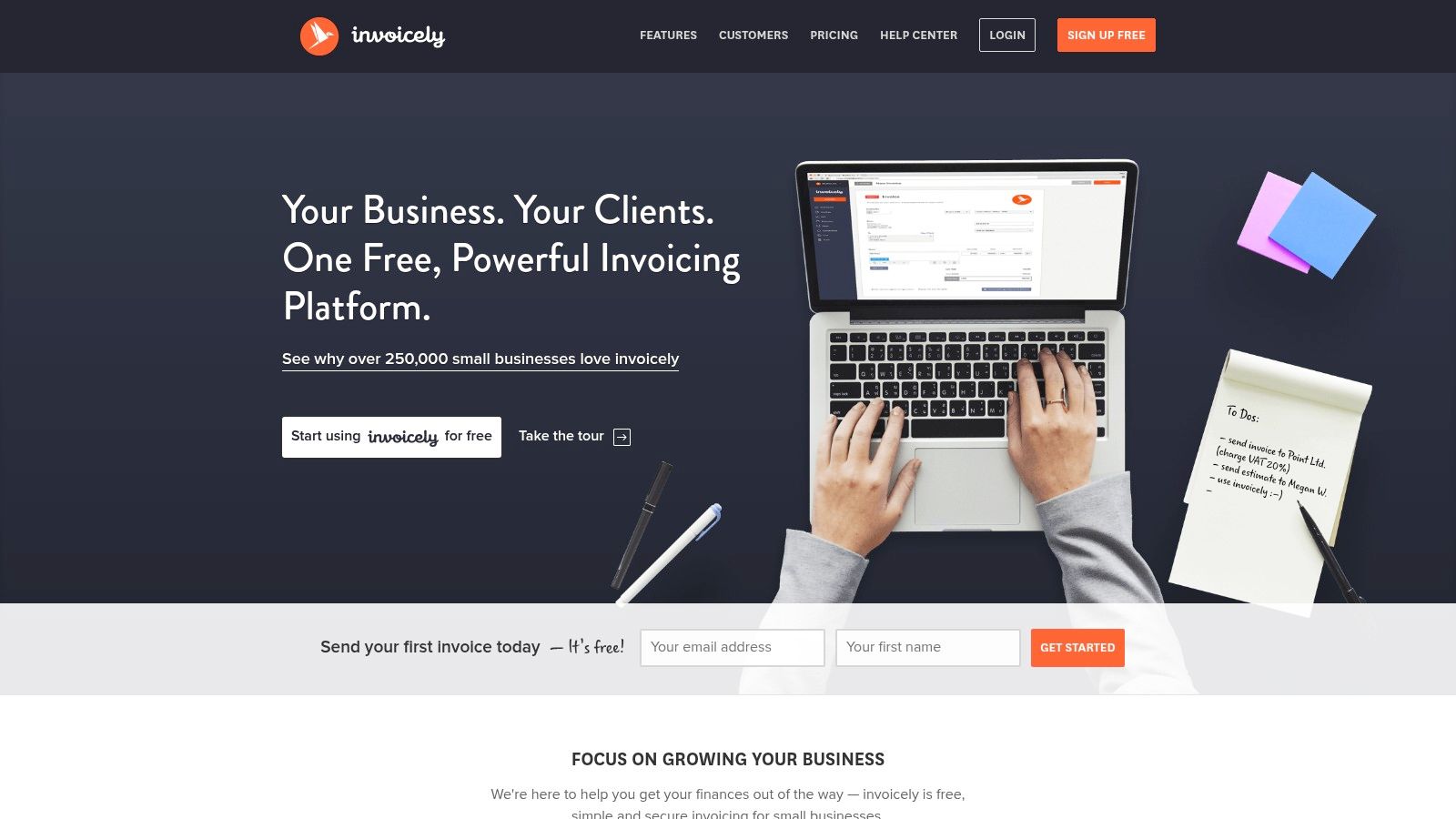
Invoicely is lightweight, and for some contractors that’s exactly the point. You don’t need a deep system if all you’re trying to do is send clear quotes without fighting the software.
It’s easy to learn, and that matters for busy small teams.
Best for quick adoption
Some free estimating apps fail because the crew never uses them. A simple interface has real value when the alternative is going back to text messages, notes apps, or old spreadsheets.
Invoicely works for clean estimate documents, basic customer management, and simple conversion to invoices. It’s a reasonable choice if your estimating happens mostly from experience and field notes rather than built-in cost structures.
This won’t be the right app for a contractor trying to tighten up technical estimating. It also isn’t a strong fit for jobs with multiple phases, complicated revisions, or a lot of supporting documentation. But if the goal is speed and simplicity, Invoicely does the job without much training.
10. ZipBooks
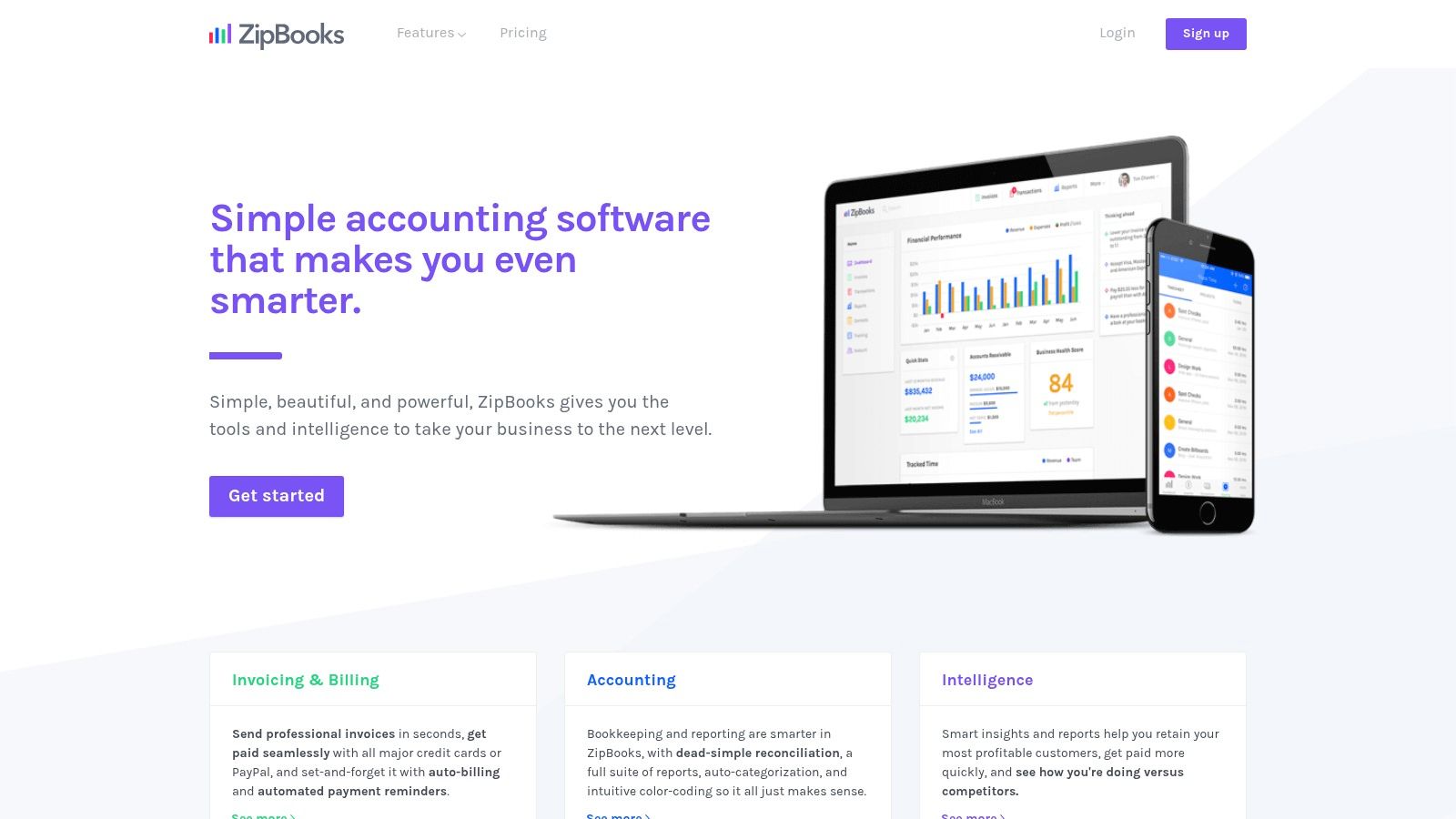
ZipBooks is another estimate-plus-bookkeeping option. It makes sense for contractors who want fewer separate systems and are okay with using a general small-business platform instead of a construction-specific one.
That’s often enough for early-stage businesses. Later on, many outgrow it.
Where ZipBooks helps
ZipBooks can create estimates, convert them to invoices, and keep customer and item records in one place. If you’re trying to stay organized without adding complexity, that’s useful.
It’s better for office discipline than field production. In other words, it helps you keep paperwork cleaner, but it won’t help you measure quantities, analyze a plan set, or price a tricky hillside excavation with much confidence.
- Helpful for basic bookkeeping: Better than using unrelated apps for every step.
- Helpful for straightforward estimate flow: Quote, approve, invoice.
- Not built for field crews: Limited value for on-site estimating compared with mobile contractor apps.
For a new or very small excavation business, ZipBooks can be enough for the administrative side. Just don’t mistake admin convenience for estimating depth.
Top 10 Free Estimating Apps Compared
A free app can save time or cost you money. I’ve seen both. If you’re pricing a drainage fix from the truck or sending a site prep quote after a walk-through, the right tool needs to do two things well. It needs to help you turn your numbers into a clean estimate fast, and it needs to keep the quote professional enough to win the job.
For excavation work, I would judge these tools by field speed, quote presentation, and how quickly they start to feel too small once jobs get more complex.
| Product | Core features | Field UX & Quality | Pricing / Value | Best for | Standout |
|---|---|---|---|---|---|
| Zoho Invoice | Estimates to invoices, client portal, e-signatures | Office-friendly, polished client experience | Free for core estimating and invoicing. Paid tiers add more business features. | Small businesses that want formal-looking quotes | Built-in approvals and signatures |
| Square Invoices | Estimates, reminders, card payments | Fast to send and approve, payment-focused | Free to create estimates. Processing fees apply when customers pay by card. | Contractors already using Square for payments | Payment collection is easy and familiar |
| Joist | Mobile estimates, templates, e-signatures, attachments | Mobile-first, strong for on-site quoting | Free version covers basic estimating. Paid upgrades add more features. | Trade contractors quoting from the field | Built for contractor workflows |
| Contractor+ | CRM, estimates, invoices, job tracking | Good mix of field and office use | Free plan is usable for small teams. Limits matter as volume grows. | Small contractor teams that want more than just estimates | Combines sales, job tracking, and invoicing |
| Invoice Ninja | Quotes, invoices, client portal, recurring billing | Better for office setup than quick field use | Free tier is flexible. Paid plans matter if you need more automation or support. | Teams that want control and customization | Open-source option with self-hosting |
| Wave | Estimates, invoicing, basic accounting | Simple admin workflow, less field-oriented | Free for estimates and invoicing. Payment and finance features can add costs. | Owner-operators who also want light bookkeeping | Estimating and books in one place |
| Kickserv | Estimates, scheduling, jobs, invoices | Service-team focused, workable on mobile | Free plan depends on using its payment system. | Crews that schedule service work and dispatch jobs | Scheduling is stronger than most free estimate tools |
| PayPal Invoicing | Estimates, line items, discounts, online payments | Familiar and easy for customers to pay online | No monthly cost for basic use. Transaction fees apply on payments. | Small operators whose customers already trust PayPal | Fast payment flow |
| Invoicely | Simple estimates, multi-currency, reporting | Easy to learn, lightweight | Free plan works for basic quoting, with tighter usage limits. | Contractors who want a simple document tool | Quick setup |
| ZipBooks | Estimates, invoicing, light accounting, reporting | Better at office organization than field estimating | Free starter plan works for basic admin use. Paid plans add more depth. | Very small businesses that want estimates and bookkeeping together | Clean admin workflow and accounting basics |
No app on this list handles takeoff, production-rate thinking, and polished estimate delivery equally well. That is the trade-off.
Joist and Contractor+ make the most sense for field-driven excavation shops that build quotes from site visits, photos, and a scope discussion. Zoho Invoice, Wave, and ZipBooks fit better if the estimate gets cleaned up in the office before it goes out. Square and PayPal are strongest when getting paid quickly matters almost as much as sending the estimate.
If margins are tight, pick the app that helps you send accurate scopes without slowing you down. A clean estimate sent today usually beats a perfect estimate sent two days late.
Final Thoughts
A free estimating app earns its keep on Monday morning, when you are trying to turn a muddy site walk into a clean quote before another contractor gets the call back. In excavation, that quote has to do more than look professional. It has to reflect haul-off, access, groundwater, spoils, and the parts of the job that can wreck margin if they get glossed over.
The best free tool is the one that fits how you sell work.
For plan-based jobs, a takeoff-first platform still makes sense, as noted earlier. For site prep, drainage, trenching, and foundation digging, small quantity mistakes become expensive fast. If your work starts with a field visit instead of a plan set, mobile speed matters more. You need to capture photos, write a clear scope, and send something the customer can understand without turning the whole process into office admin.
That is also the limit of free apps. Many were built for general service contractors, not excavation crews dealing with disposal rules, permit responsibility, unstable soil, traffic control, or weather delays. The app can organize line items and totals. It cannot judge site risk, verify production assumptions, or tell you whether the access route will hold a loaded truck.
Team use matters just as much as features. If the owner writes one scope, the foreman reads it another way, and the customer hears something else, the problem is not the app alone. The process is loose. A good estimate template fixes a lot of that.
Build your template around the items excavation contractors miss most often: mobilization, import or export assumptions, disposal pricing, rock or unsuitable material exclusions, drainage scope, permit responsibility, and what happens if site conditions change after digging starts. That is how free software becomes a practical estimating system instead of just a nicer invoice.
If you need help pricing excavation, grading, drainage, trenching, foundation excavation, or site prep work, DW Excavation, LLC can walk the site, review the scope, and give you a clear estimate grounded in real field conditions. Call (707) 601-9091 or visit us at 470a Caletti Avenue, Windsor, CA 95492.